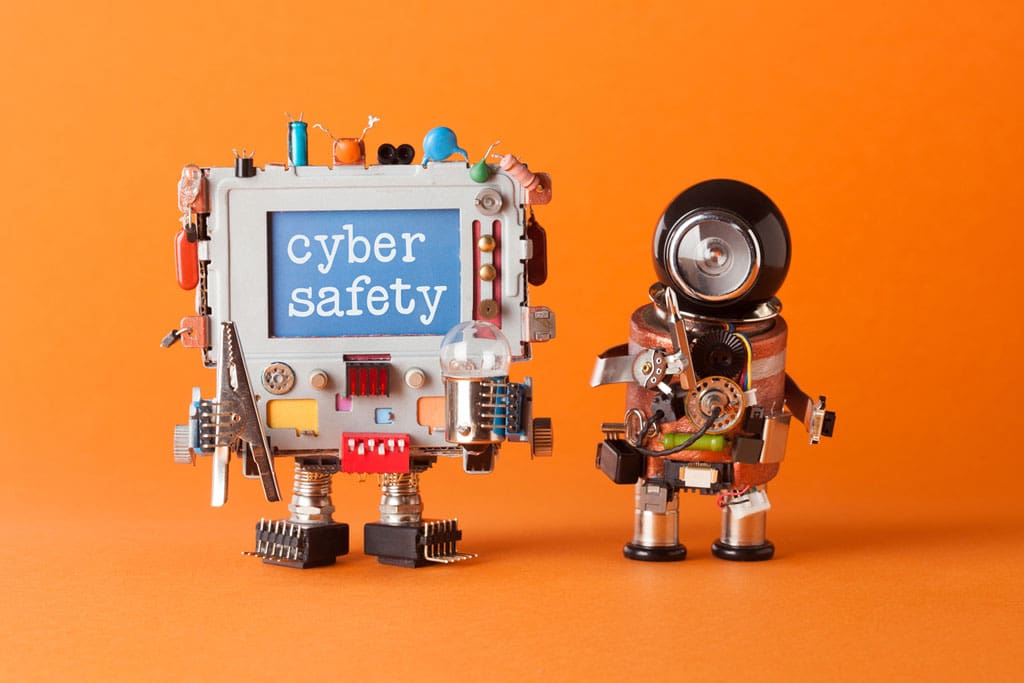
With the amount of media attention given to internet safety, you’d think it wouldn’t take much convincing to get people everywhere to pay more attention to their online habits.
So here’s the big question for you: Are you convinced yet that you need an internet safety plan and routine? You should be.
Corporations are reporting cyber security breaches annually, and unless you were literally born yesterday, most people’s information has already been compromised at some point in time. With some projections estimating that cybercrime costs will rise to $6 trillion annually by the year 2021, it certainly deserves your attention.
The truth is, hackers assume that the general public is lazy. They know it takes time and effort to manage passwords and watch financial information, and they are counting on the fact that most people won’t do it.
Internet safety advice may seem over-exaggerated to you, but if billionaire Warren Buffett thinks it’s the number one threat to mankind, you probably should too.
So, where should you begin?
Here is a great list of the top cybersecurity tips to start using. Follow this advice, and you’ll boost your online security immediately:
Give your passwords the attention they deserve
Would you trust Velcro to secure the doors of your home every night? Then you shouldn’t trust old, simple passwords either. Not only is it essential to have complex passwords (without any duplicates or variations), it is also important to change them frequently. Almost every cyber crime security expert in the world will say that one of the first and greatest (and easiest!) steps you can take in your own security is to get a password manager. Not only can they let you know if any of your account passwords have been compromised, but they will help you change them as frequently as necessary to new, complex passwords. And don’t worry about losing your auto-fill functions: they offer those, too.
Discover and Use Two-Step Verification
Another password-related tip is something that many popular sites offer (though you may have to search in your security settings for it). Two-step verification—also known as two-factor authentication—adds an extra level of security by request a confirmation code for login. These codes are usually sent through text, voice call, or mobile app, and unless your hacker has your phone too, you should be safe.
Check Your Virus Protection
Though most computers these days come with built-in security, risks continue to increase as hackers grow smarter and allow programs to find vulnerabilities in thousands of computers at a time. Virus protection companies (some with paid subscriptions and some free) specialize in these fields and can keep your computer as safe as possible. Just make sure the company you choose is verified and trusted so that the new “virus protection” you just downloaded isn’t actually installing malware on your computer.
Avoid All Suspicious Emails
Typically most email companies are already scanning the emails you receive and send the suspicious ones to a spam folder. But just in case one gets through, make sure to NEVER click a link in an email from an untrusted source or unsolicited email. If you’re concerned it might actually be a company you use (like a bank), it’s safer to call them directly and verify.
Be Unsecured Wi-Fi Wary
Sure, it may save your data if you access that free Wi-Fi, but it will also make you vulnerable to hackers that stalk free Wi-Fi hubs like sharks around Amity Island. Using a VPN (Virtual Private Network) is your safest option, and even using your data is safer than public Wi-Fi. Regardless, never log in to important accounts (banking, healthcare, etc.) when you are not on a secure network.
Install All Software Updates
The pre-loaded software safety settings on your devices will obviously work best as new updates are made. Make sure to consistently update your devices to have the most recent versions of those safeguards.
Back Up Your Files
If information on your computer (or your computer itself) is ever stolen, you will want to be sure you still have access to those important files and documents. Using an external hard drive, the cloud, or other subscriptions that allow you to back up the files from your computer will ensure that you have that access no matter what.
Shop Only on Secure Websites
Now that online shopping is the norm for a vast majority of people, hackers and other cybercrime specialists know they can get banking information easier than ever. If you are on any site requesting sensitive information, make sure it is a secure website—typically identified by a web address beginning with https:// with a lock symbol next to it.
Make Your Social Media Accounts Private
To use most social media accounts, you need only to provide basic information. Try to avoid giving more than the essentials (name, email address, password) and make sure all your accounts are set to private so that only friends can see your profile and activity. Many con artists research the individuals they are going to go after, so the less information available, the better. Similarly, wait until after your vacation to make those posts—otherwise you are essentially advertising that your home is empty and unguarded.
Cover Your Webcams—And Yourself
Who knows if someone is actually using your laptop or computer’s webcam to spy on you, but it certainly wouldn’t be good to find out the hard way. This is one of the simpler items on the list, so take the ten seconds to do so and remember to close your laptop when you’re not using it. Better safe than sorry!
Snap into action.
With hackers getting smarter (and more devious) every year, there’s no time like the present to turn these suggestions into regular security practices. Make a commitment to tackle one or two of these tips every week or two. Before you know it, you’ll have significantly boosted your Internet security profile.
And that will be a hacker’s worst nightmare.