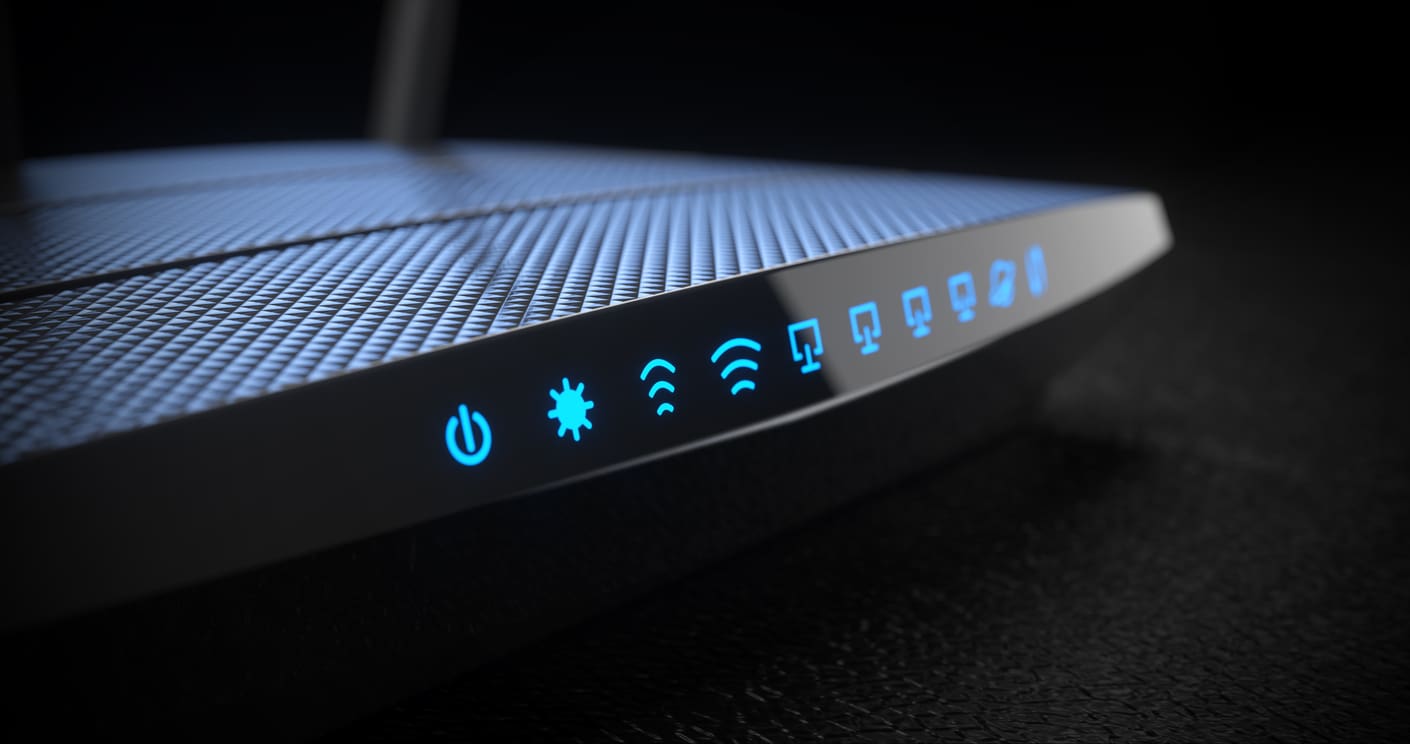
Being committed to cybersecurity and making sure your devices are secure is essential. But even if you’re very committed and your devices are very secure, you can still get hacked. How? Through gaps in your home network security.
When your cable company or internet service provider (ISP) comes to set up your router, they’re not focused on keeping your home network secure. They just want to finish setting up your router so they can move on to the next customer. Very few of them will take the time to change the default security settings.
Cybercriminals love it when your router uses the default settings. It’s like you put a back door in your home network security just for them to sneak in. And if they can get into your home network, they are better able to attack your devices, steal your information, or install malware to hold your devices and important files hostage. It doesn’t matter how diligent you are about cybersecurity if hackers can open up the default router settings and waltz right in.
These 9 essential settings need to be changed on your router – ideally before you even connect it to the internet.
1. Change your encryption settings
You’ll most likely find four encryption options: Wired Equivalent Privacy (WEP), Wi-Fi Protected Access (WPA), WPA version two (WPA2), and WPA version 3 (WPA3). WEP encryption is the oldest, and using outdated encryption is a big gap in your home network security. WPA2 is the current industry standard, and WPA3 covers some security gaps from WPA2, but either one is fine to use.
2. Disable WPS administrative access
If WPS (short for Wi-Fi Protected Setup) is enabled, all someone needs to get free access to your home network is some numbers from your router. A hacker would just need to find these numbers to bypass any password you have set up. If possible, find a router that doesn’t even support WPS. But if that’s not possible, plug this hole in your home network security by disabling WPS in your router settings
3. Disable WAN administrative access
WAN is short from Wide Area Network. This allows administrative access to your router by someone who doesn’t even have to be near your router. You can see how this can provide opportunities for hackers. With admin access, they could even lock you out of your own router! Close this gap in your home network security by disabling WAN Administrative Access in your router settings.
4. Disable plug-n-play
Plug-n-play is a way of giving devices free access to your home network. The problem here is that these devices can be hacked. Even smart light bulbs can be hacked to give a cybercriminal access to your home network. While plug-n-play makes setting up devices easier, it also makes bypassing your home network security for hackers. UpnP and NAT-PMP are the two protocols that allow plug-n-play, and both can be disabled in your router settings.
5. Change the name of your wifi network
The name of your wifi network – called the SSID Name in your router settings – is often part of setting up your router. But you’ll want to take some security precautions in choosing a name. Cybercriminals often look at wifi network names to identify good targets. Avoid naming your wifi network anything that gives away too much information, like your name, your address, or your router brand, or anything that could make you a more interesting target. As funny as it is to name your network “FBI Surveillance Van,” it makes you a target for ambitious cybercriminals. Improve your home network security by choosing a name that’s low-profile but still different from the default name.
6. Change the default password for your wifi network
The default wifi passwords on some routers are very easy for hackers to find out. Leaving your wifi network with a default password is a huge gap in your home network security. Even if it’s not easy to guess, the longer it’s been since you got your router, the more likely it is that the default password will end up on the dark web or get revealed online as part of a data breach. If a hacker gets their hands on your wifi password, you may not even know you were hacked. Stop this huge security risk by going into your router settings and changing the wifi password.
7. Make the wifi password and the admin password different
It’s practically the first rule of cybersecurity: Never reuse passwords. Unfortunately, many of us don’t follow that rule. It’s much easier to remember one password for everything on your router. But if a hacker gets onto your wifi and the admin password is the same as the wifi password, you’ve just handed them the keys to your home network security. If you don’t want anyone who uses your internet to be able to change your router settings, make your admin password unique.
8. Create a guest wifi network
Restricting who has access to your wifi password is a great way to improve your home network security. Setting up a guest wifi network will ensure that you only need to give your wifi password to people you want to have it. You can also put your smart devices on a guest network to ensure that any hacker that manages to hack your smart fridge can’t use that as a doorway into your home network.
9. Enable automatic updates to your router’s firmware
When you’re making changes to your router settings, make sure you’ve enabled automated updates to the firmware. Firmware updates often include fixes for newly-discovered security vulnerabilities and other updates to keep your router secure. Hackers love it when your firmware is out of date. Not all routers have an automatic update option, so if yours doesn’t, set a reminder to check for updates at least monthly. And when you do update it, double-check the other settings to make sure it didn’t default back to older, less-secure settings.
The internet is essential for modern life, and setting up a router is just one in a long list of tasks that need done to get you online. It’s easy to just leave the default settings as they are and get online as fast as possible. But if you want to improve your home network security, it’s essential that you take a look at your router settings. Otherwise you’re leaving yourself – and all the devices on your home network – vulnerable to cybercriminals.