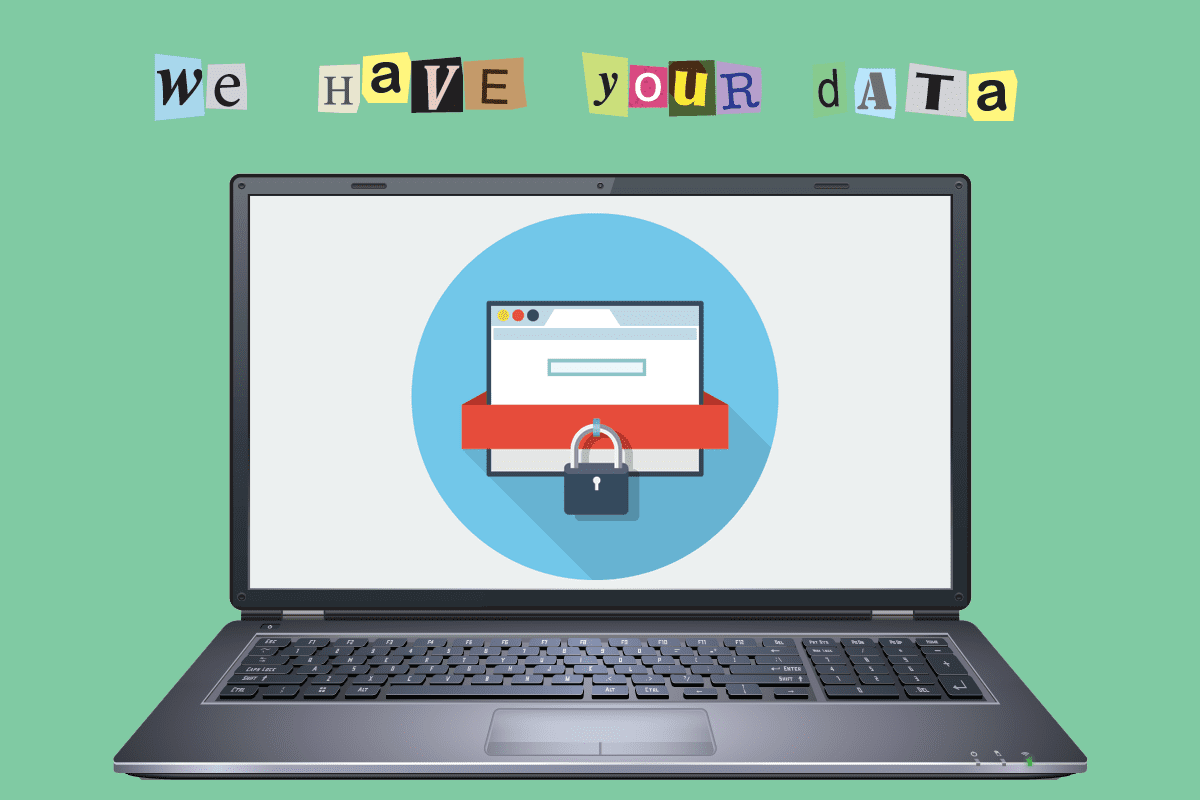
If the WannaCry virus missed you, the next one might not.
If you missed the news (or saw the headlines but didn’t have time to check it out), there was a global hack attack of the ransomware variety the second week of May (2017). It struck 150 countries, thousands of companies and millions of computer users. The ransomware was called WannaCry, and you can learn about it in an article we wrote right after it happened.
Most of the computers affected were workplace computers; that is, the ransomware attacked companies, government agencies, universities and so on. In that regard, most of us were relatively safe, as far as our “home computers” or other connected devices not being attacked.
But that was this time.
Any good news?
There is plenty of bad news and that’s what’s been making the headlines. The good news is that you have an opportunity avoid being a victim of the next ransomware attack. Here are the top lessons we all need to learn.
1 — BE CAREFUL WHERE YOU CLICK!
How many times have you watched a video clip on YouTube or clicked on an ad to get more information. Probably thousands of times, with no problem. You got the video or information you wanted.
Well, you might load ransomware the same way, by clicking on a link to a video, website or document. But, you likely were fooled into thinking the link was from a trusted, safe or innocent source.
Have you ever gotten a pop-up message saying your computer is infected? Oftentimes, that link isn’t trustworthy, but you might click it out of concern. That’s how you might accidently download a ransomware virus. For the everyday Internet user, ransomware typically won’t suddenly show up on someone’s monitor with a scary message; in most instances, the computer user has inadvertently, accidentally or unknowingly triggered the malware attack.
That’s why it’s so important to think twice before you click on any link, especially at work.
2 — UPDATE YOUR ANTI-VIRUS PROGRAMS
Your computer hardware will generally work for a long time, like an old television, without failing. Our hardware—our physical computers— generally don’t break or crash without a cause. They simply get outdated.
However, it is your software that needs to be constantly updated, upgraded or changed now and then. Here’s what you need to keep in mind.
Computer viruses are software: they are malicious software programs, or malware. If malware gets into your system, it can and will do damage of some kind…the way their hacker designed it to do.
However, you can prevent hackers from getting in your computer by keeping your computer’s software defenses strong. Not only your anti-virus program, but all of your application programs too. Software vendors (Microsoft, Adobe, Oracle) routinely announce and provide software upgrades.
3 — UPDATE WINDOWS!
The brain of your computer is its operating system. In the WannaCry ransomware incident, only some versions of Microsoft Windows were struck. (If you had an Apple computer, you were safe.)
There’s a difference between updating Windows and upgrading it.
With updating, you maintain the version of Windows you’re currently using. In the past eight years, there have been four different versions: Windows 7 (2009), Windows 8 (2012), Windows 8.1(Windows 13), and the current Windows 10 (2015).
Microsoft provides updates to the different Windows versions regularly; however, they have stopped providing updates for older versions, such as Windows XP. Evidently, computers that use Windows 10 were safe from the WannaCry attack, automatically.
Amazingly, Microsoft had issued “patches” or fixes to previous versions of Windows just two months before the WannaCry attack. These patches are interim updates to fix any recent problems or address any potential or known threats. People who updated their Windows OS with the available patch were not vulnerable to the WannaCry attack!
4 — BACK UP YOUR FILES.
It’s very important “back up your” files, in computer-ese. We all have made a copy of a receipt or an important document as a backup, in case something happened to the original copy—backing up your files, for your protection in case of a computer disaster, is the same thing.
Yet, few people routinely back their files up. That’s a headache in the making.
And as an article in the Wall Street Journal (May 15, 2017) wisely pointed out, “Over time, a computer’s file system faces a growing chance of becoming corrupted and unreadable (any day). If that happens, you’ll be grateful you backed up (your files.)”
Here are the different options you have for backing up some or all of your files:
- You can burn files to a CD if your computer has CD drive.
- You can purchase an external drive to transfer your files to routinely.
- USB flash drives (thumb drives) are very inexpensive and offer quick easy storage.
- Backup software automates the processes of making copies of files to external drives.
- The Cloud offers a variety of backup options.
By backing up your files, you have peace of mind that your most important digital files (software, documents, photos, spreadsheets) that are on your computer also exist in some other protected location. You can read our article with more information on these backup options.
We suggest using an automated online backup service like Carbonite.
Conclusion
If you follow these four-steps—watch where you click, update your software, update or upgrade Windows, and back up your files—you’ll make great strides in thwarting the attempts of hackers and avoid possibly getting caught in the next sweeping, ransomware attack.